Teacher Notes
The Teacher Notes component is a versatile tool that allows authors to display various types of content in an organized and user-friendly text-based manner.
On This Page:
Purpose
The Teacher Notes component is used to support educators with additional context and guiance when they download or view lessons and activities provided by the Census Bureau.
It is a helpful way to guide users through the data or provide additional context, especially for students or professionals who may be unfamiliar with interpreting census information.
Configure Dialog
The configure dialog allows the content author to configure the Teacher Notes items.
Standards Tab
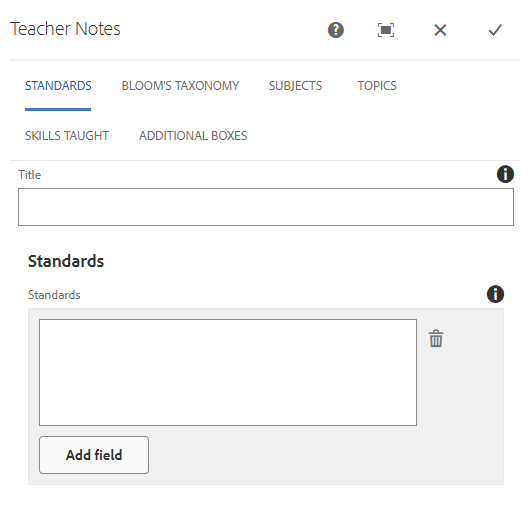
This tab allows content authors to document and display the academic standards aligned with a specific lesson or activity.
Title: Custom title or if left empty, the title will default to 'Standards'.
Standards: Can add standards using the 'Add field' button. Each will appear in an outlined box under the section header.
Bloom's Taxonomy Tab
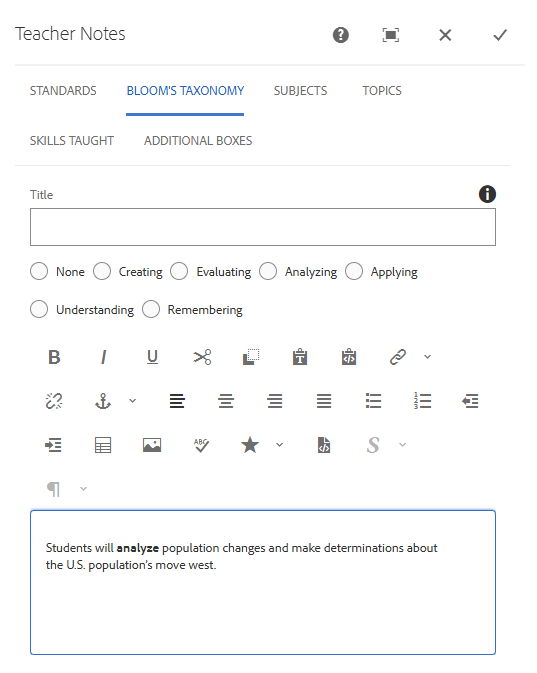
This tab allows authors to classify a lesson or activity based on cognitive learning objectives. It helps teachers understand what type of thinking skills students will use or develop when completing the lesson.
Title: Custom title or if left empty, the title will default to 'Blooms Taxonomy'.
Radio Buttons: Changes the title above the taxonomy pyramid.
Text Field: Adds text below the taxonomy pyramid.
Subject Tab
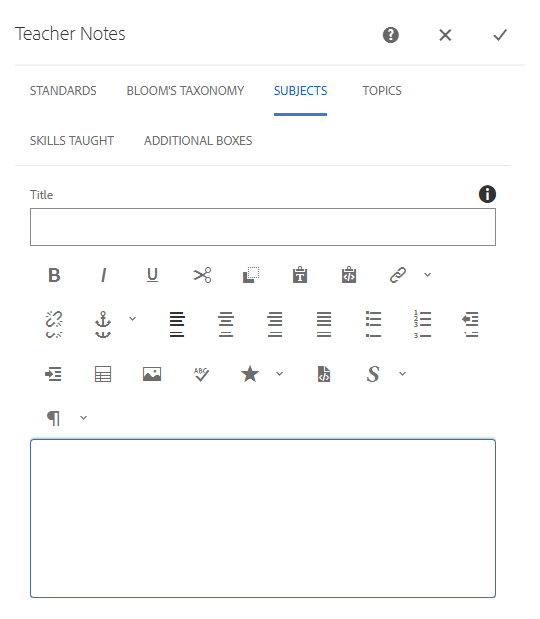
This tab allows author to tag a lesson or activity with relevant academic subject areas.
Title: Custom title or if left empty, the title will default to 'Subjects'.
Text Field: Adds text to the section.
Topics Tab
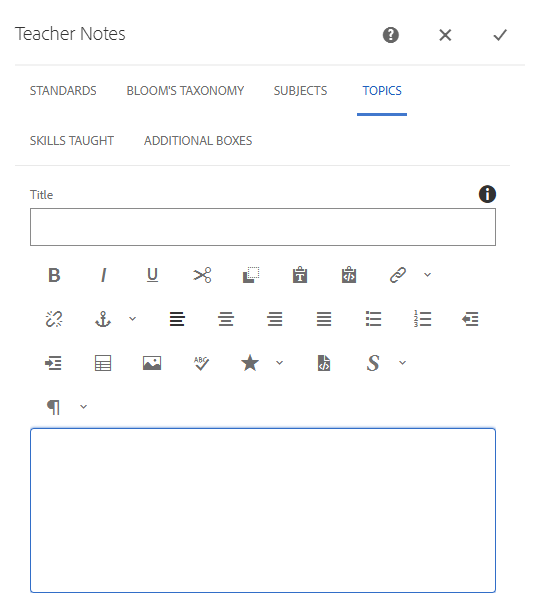
This tab is used by an author to tag a lesson or activity with one or more specific content themes or topics. These topics represent key concepts or themes addressed in the lesson.
Title: Custom title or if left empty, the title will default to 'Topics'.
Text Field: Adds text to the section.
Skills Taught Tab
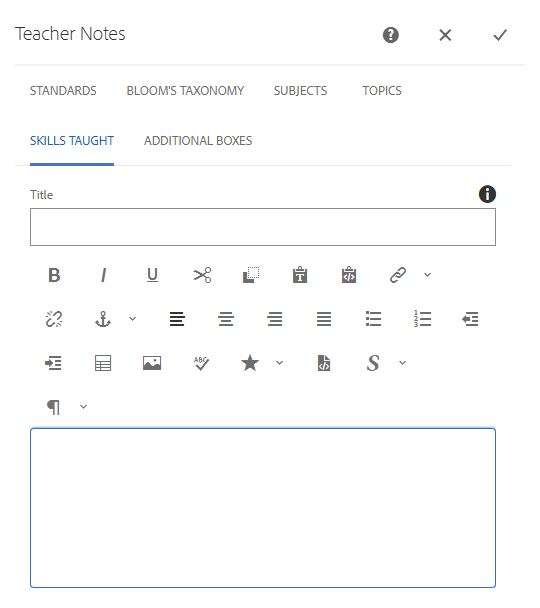
This tab helps authors identify the specific academic or data literacy skills that students will develop through a lesson or activity.
Title: Custom title or if left empty, the title will default to 'Skills Taught'.
Text Field: Adds text to the section.
Additional Boxes Tab
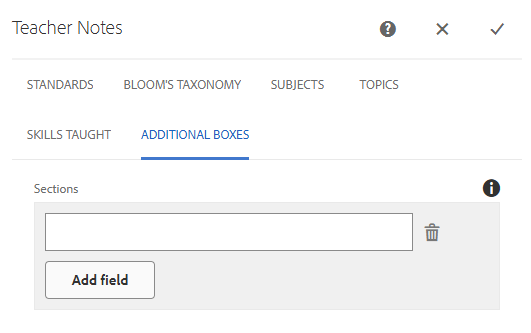
This tab allows author to add custom areas such as notes, tips, context or supplementart details that dont fit in other predefined fields. It gives author flexibility to provide more clarification or information for teachers reviewing the activity.
Add field: Creates a new section within the Teacher Notes component. Acts as a Layout Container for authors, where new components can be added inside.
Live Examples
View on the public site:
