Anchor
On This Page:
Purpose
The Anchor component provides a link for users to go directly to specific content on the current page, often referred to as a "jump link."
Configure Dialog
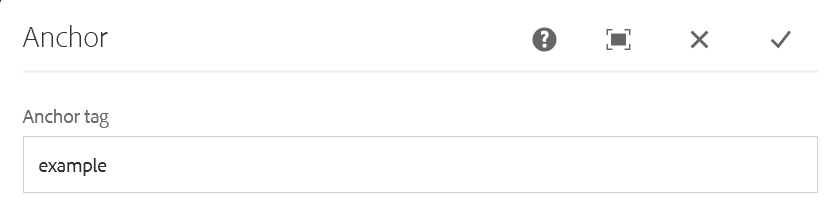
The only field in the component is the anchor tag. This is the tag that will append to the URL to jump users down to the specific section of the webpage.
Example: Adding "purpose" to the field here and then adding "#" to the end of the URL followed by the word will jump users down to that section of the page.
https://www.census.gov/aem-user-guide/components/anchor.html#purpose
Note:
The anchor tag should have no spaces, hyphens should be used instead. All letters must be lowercase as well.
The Anchor component is used in conjunction with the Link List component. The Link List component is able to point directly to the anchor tags and create a list of jump links on a page.
See Link List component for details on building links to the anchors on the page.
Anchors can also be used within inline links. When hyperlinking to an anchor tag on the current page, authors just need to enter "#[anchor-tag]".
Example
The "On this page:" section at the top of this page uses anchor links in a Link List component. And this link is an example of using anchor in an inline link.
Developer Resources
Anchor component HTML output.