How do I navigate between the different pages?
How do I navigate between the different pages?
Here are some tips to help you navigate between the different pages on the site after you have already run a search:
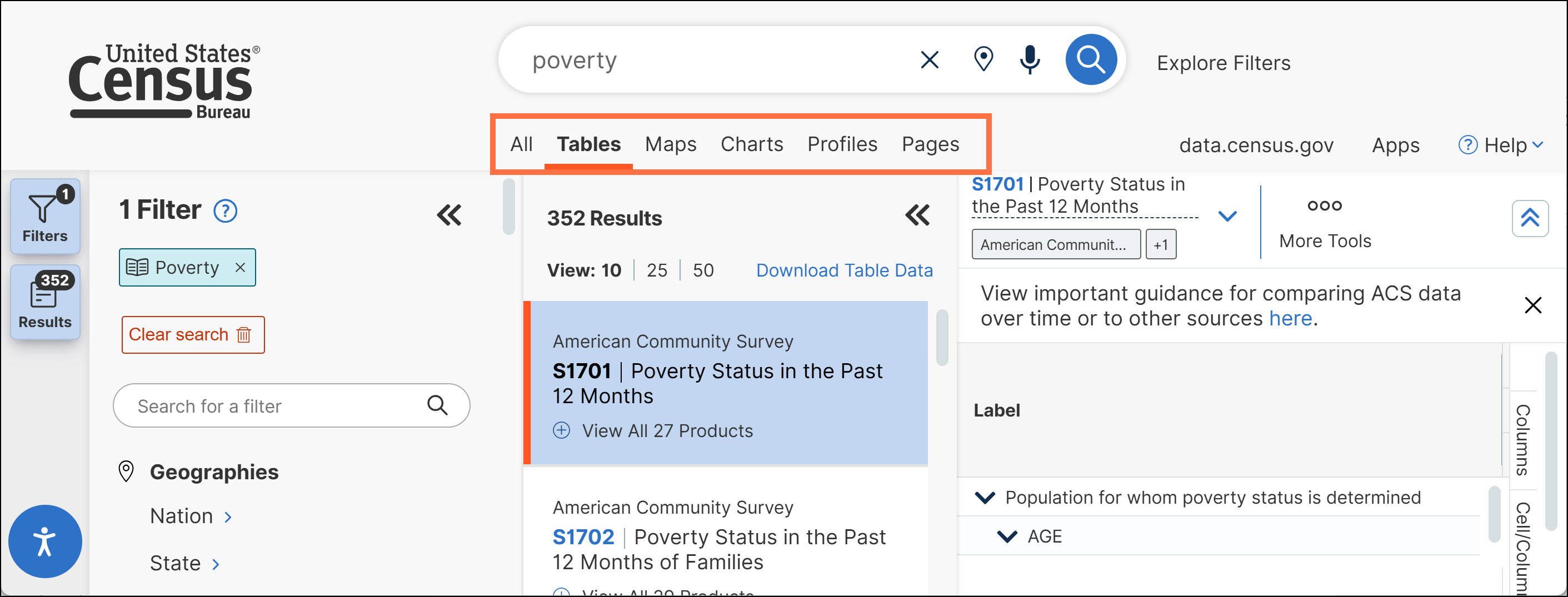
- Navigation Options for “All,” “Tables,” “Maps,” “Charts,” “Profiles” and “Pages”: The site features six tabs at the top that allow you to navigate between different types of search results: All, Tables, Maps, Charts, Profiles, or Pages.
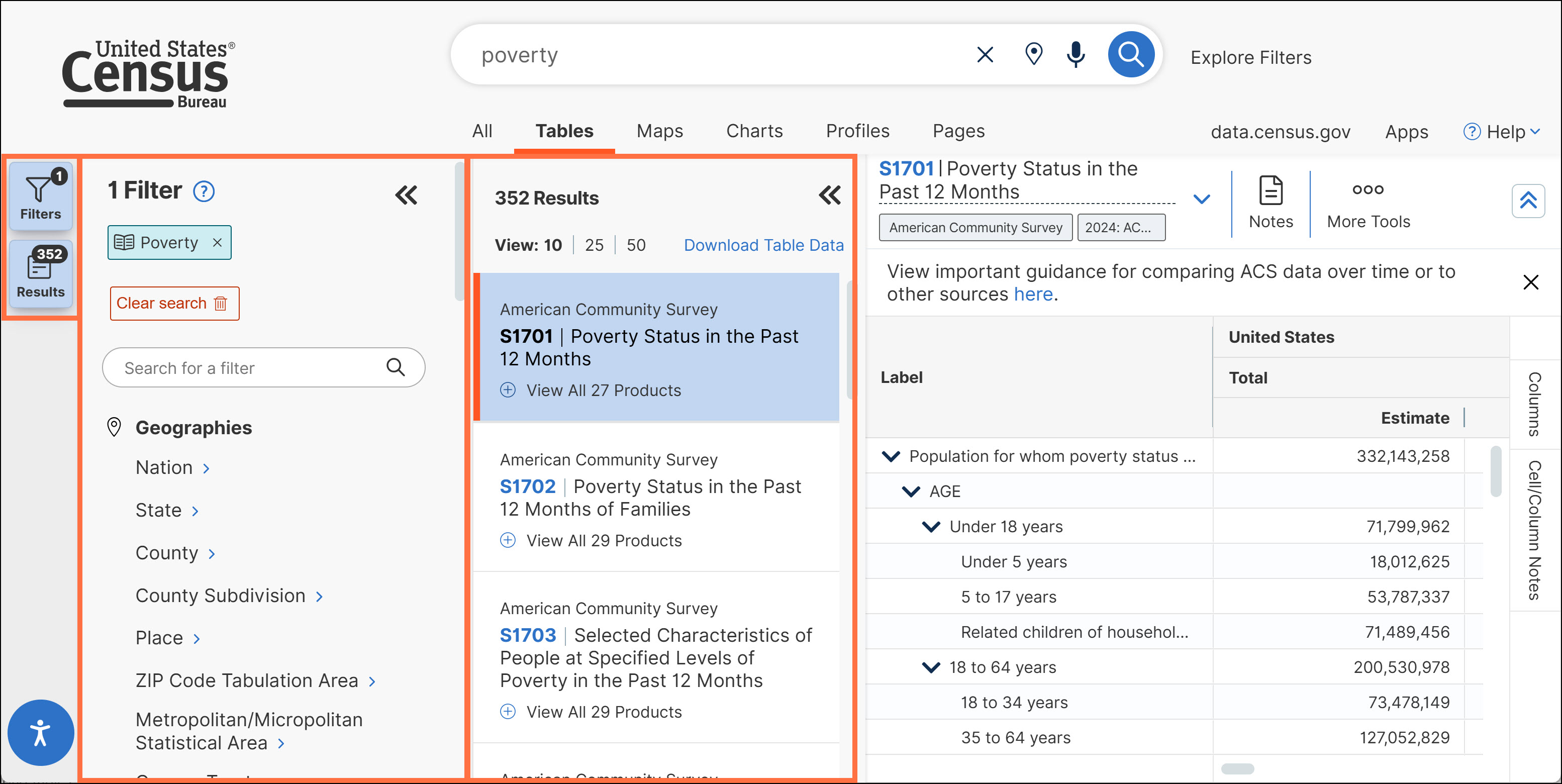
- Flexible Screen Layout: Most pages of data.census.gov provide flexibility to determine the layout through expandable and collapsible side panels by clicking the “Filters” and “Results” buttons.
o Expand the Filters panel when you want to view or edit your search criteria.
Expand the Results panel when you want to browse table results or select a new table.
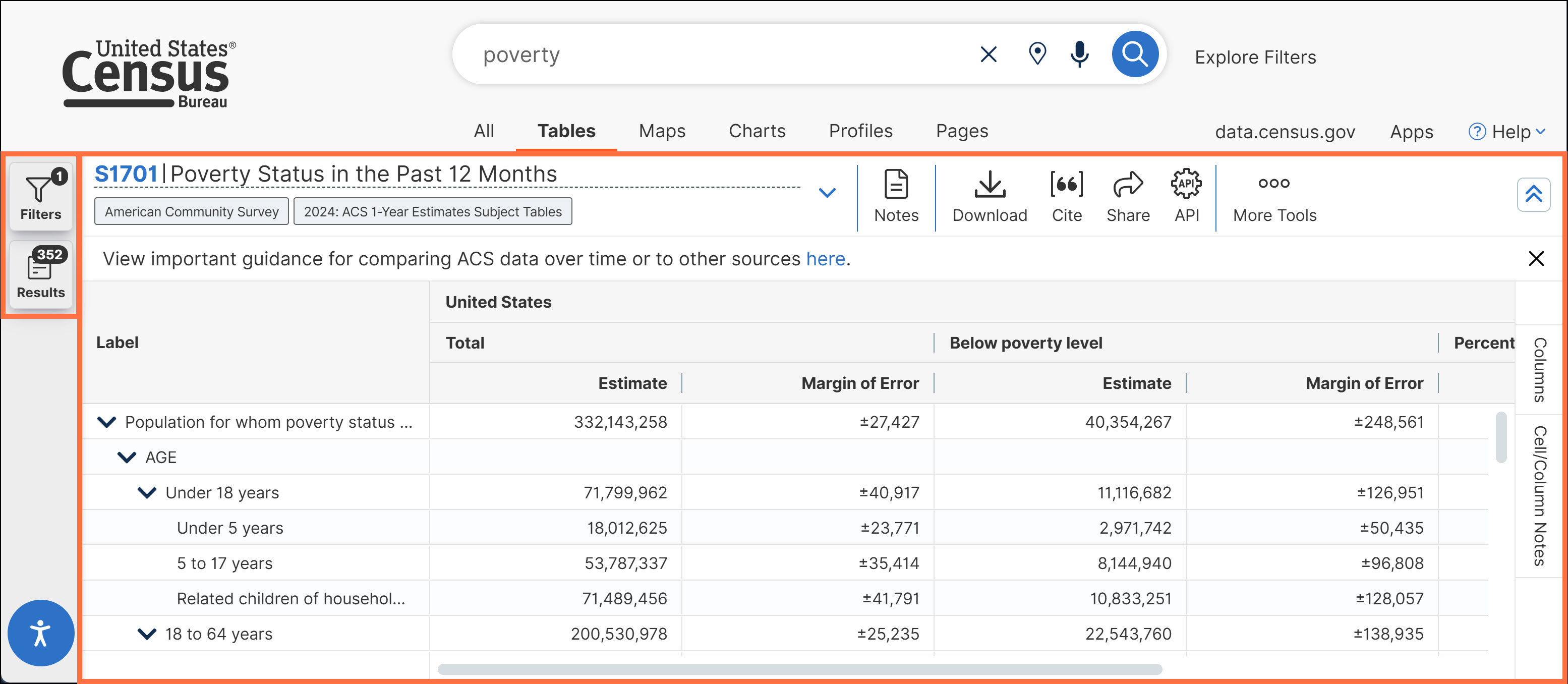
o Collapse the Filters/Results panels when you want to see more of the table, map, or chart across your screen
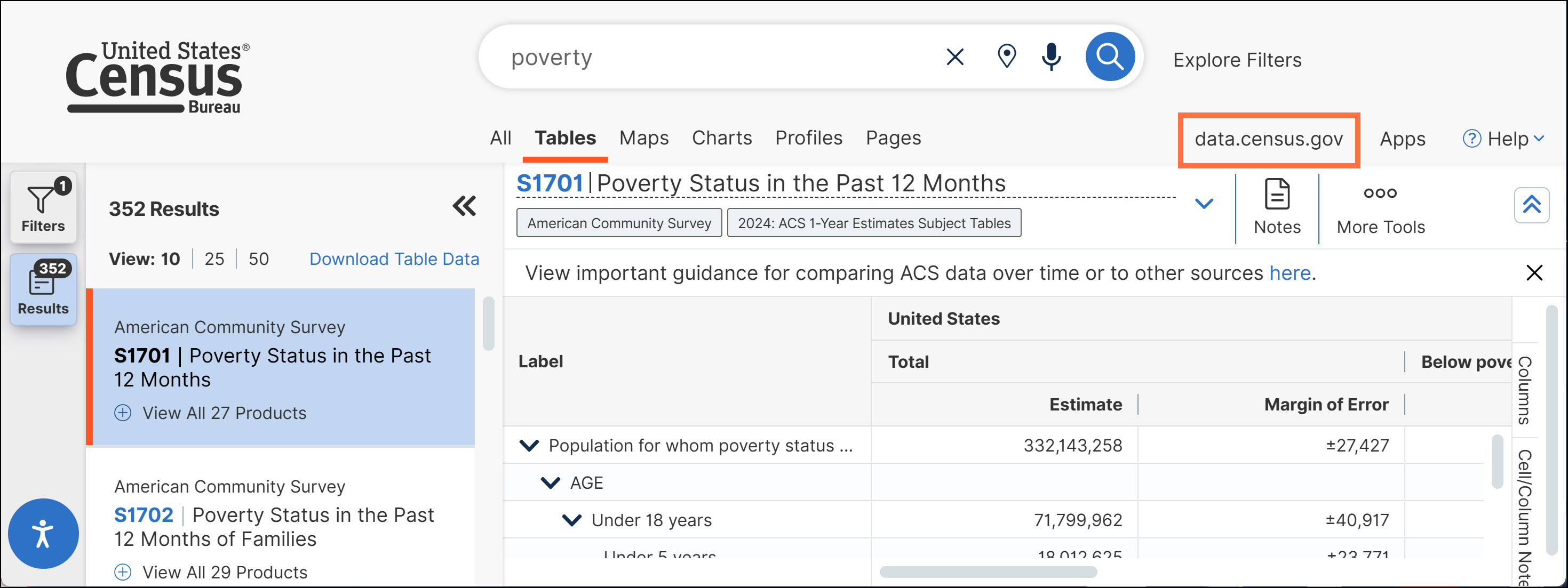
- Clear a Search: Click the data.census.gov button in the upper right to clear your search and start fresh from the landing page.
- Edit a Search:
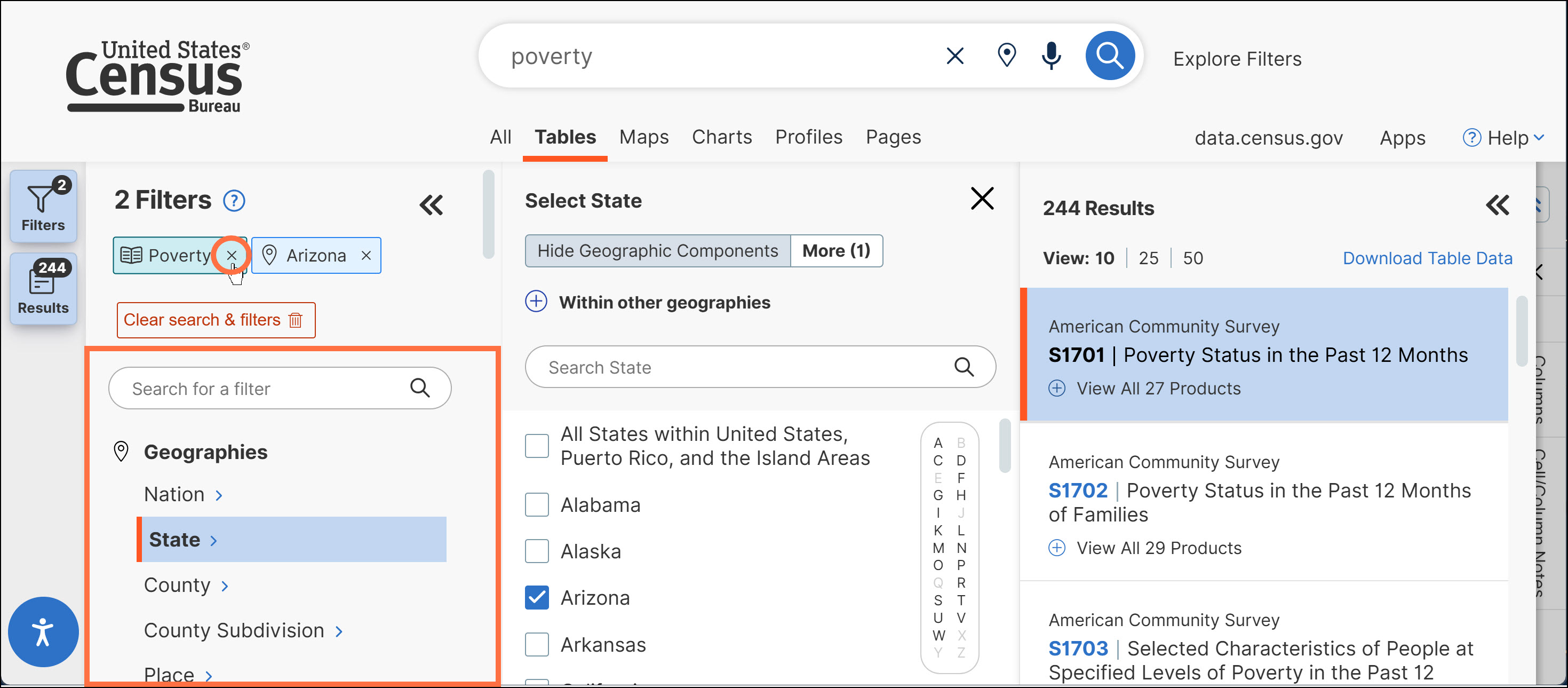
o Click the “x” next to any filters you would like to remove, or add more filters using the options in the filter panel.
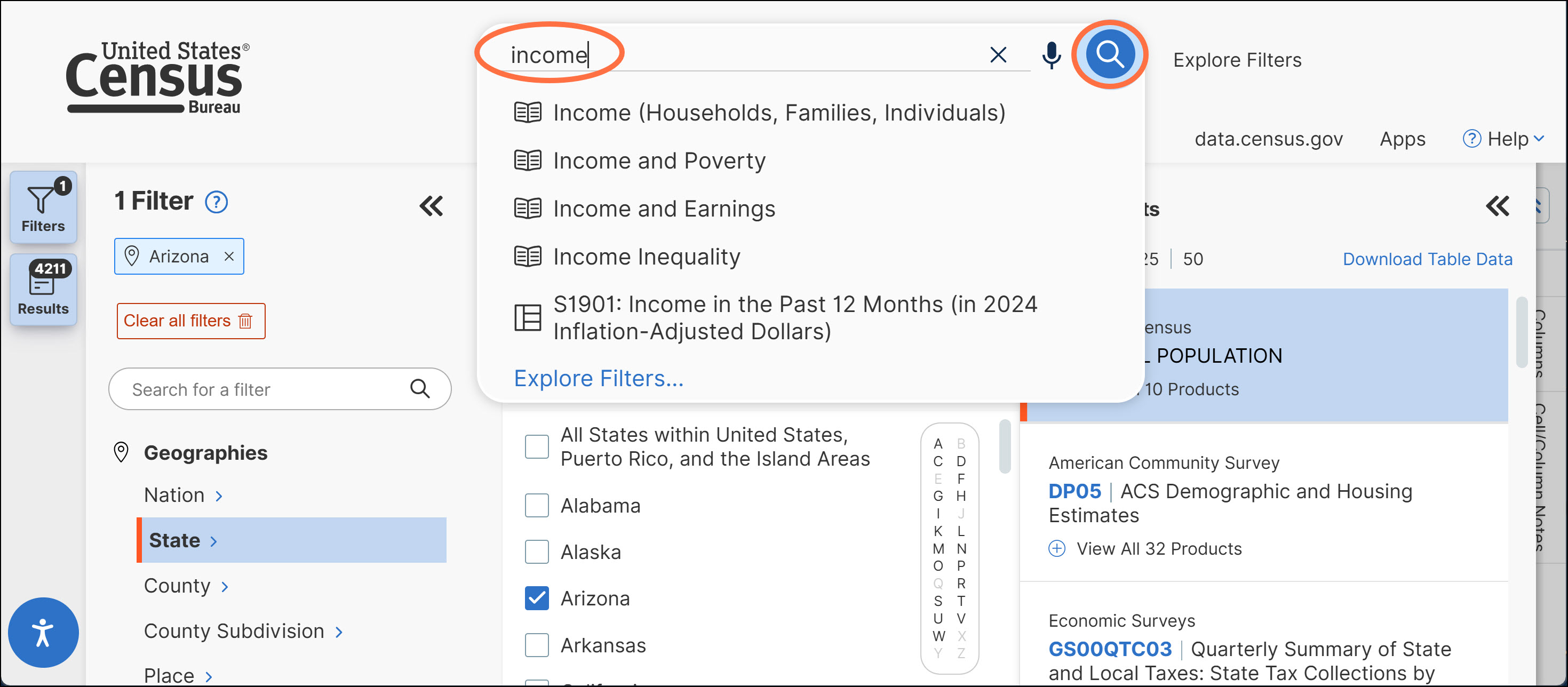
o Add/edit text in the single search bar and press enter or click the magnifying glass to update your search as needed.
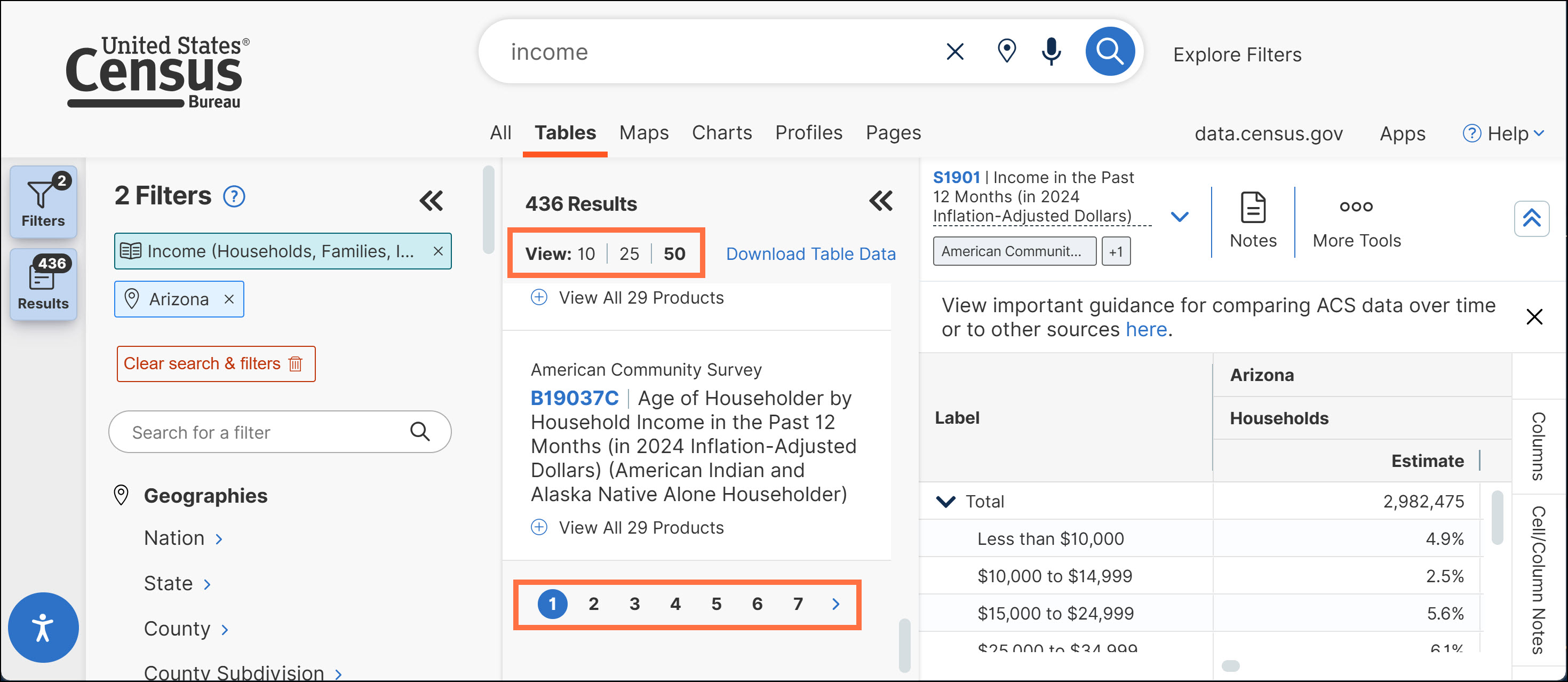
- Browse Long Lists of Results: The site provides the first 10 results by default, and includes functionality to page through the remaining results from your search. You may increase the number of results provided on each page to 25 or 50, allowing you to browse a long list of results in fewer clicks.
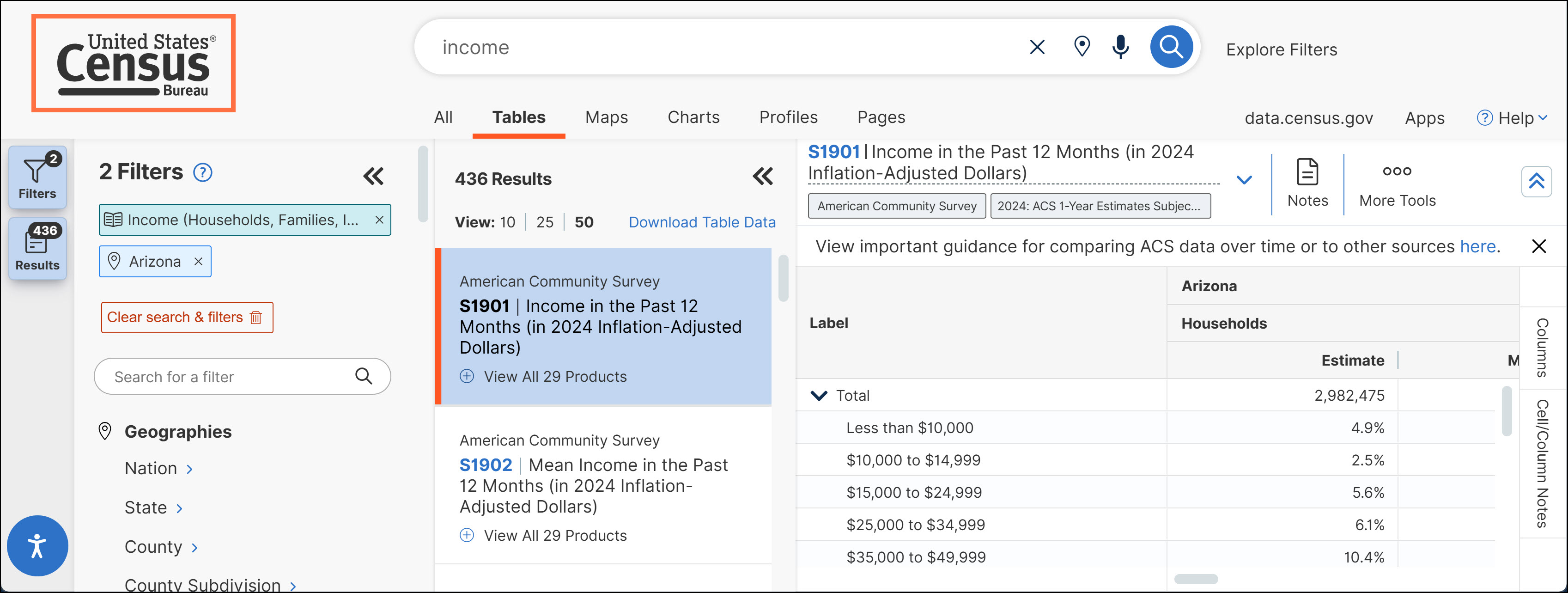
- Navigate to census.gov: Click the U.S. Census Bureau logo in the upper left to navigate to the main webpage for census.gov.
Please note: Users may experience inconsistencies when trying to use the back or forward buttons provided in the browser. Because of this, we recommend using the navigation pathways shown above instead of the browser’s back button.

Contact Us
Email us at [email protected] for any questions or comments you may have. For more guidance on data availability and using data.census.gov, the Census API, and Microdata Access, visit our Resources page.