How do I clear the cache in Chrome?
Steps for clearing your cache in Chrome:
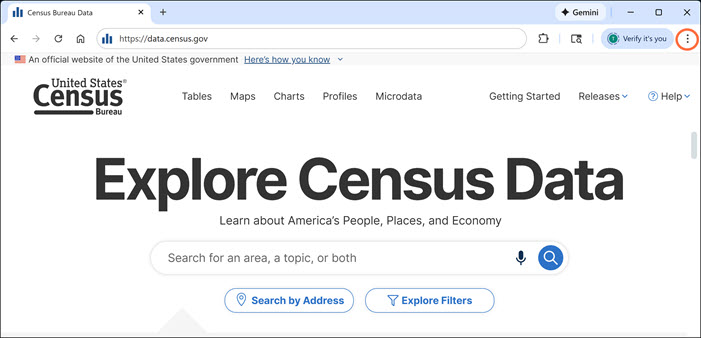
- Open the browser for Google Chrome and click on the three-dots located in the upper right corner of the screen.
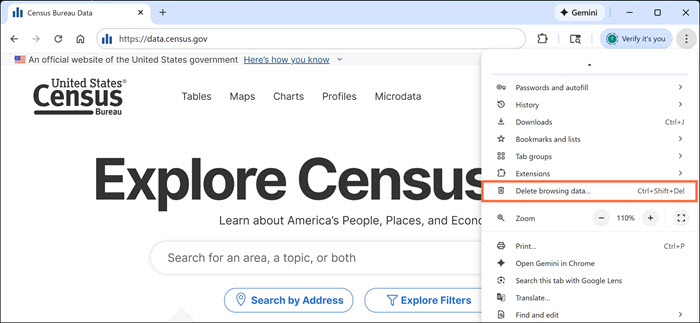
- Click “Delete browsing data…”
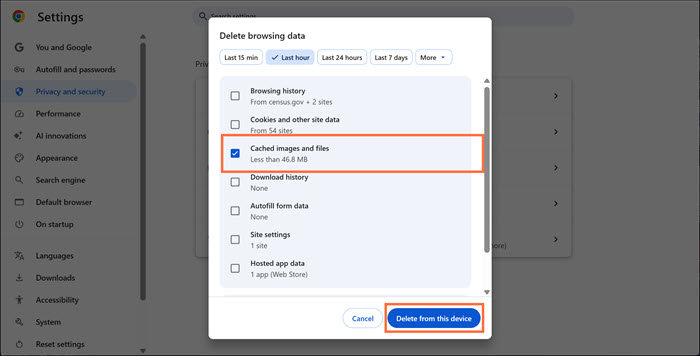
- Make sure that the box next to “Cached images and files” is checked and click the “Delete data” button.
- Close the browser completely and try your search again once you reopen it.